



Flexible Payments For Your Next Trip
With Flex Pay, you can make thoughtful purchases now and stay on budget with simple, monthly payments.


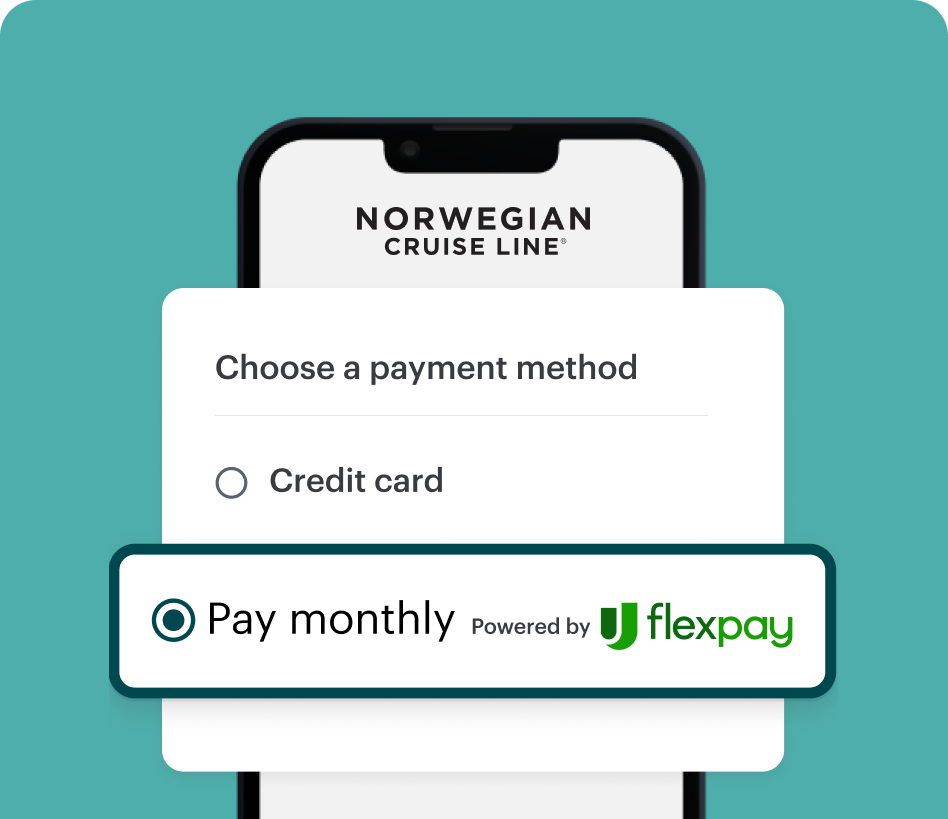
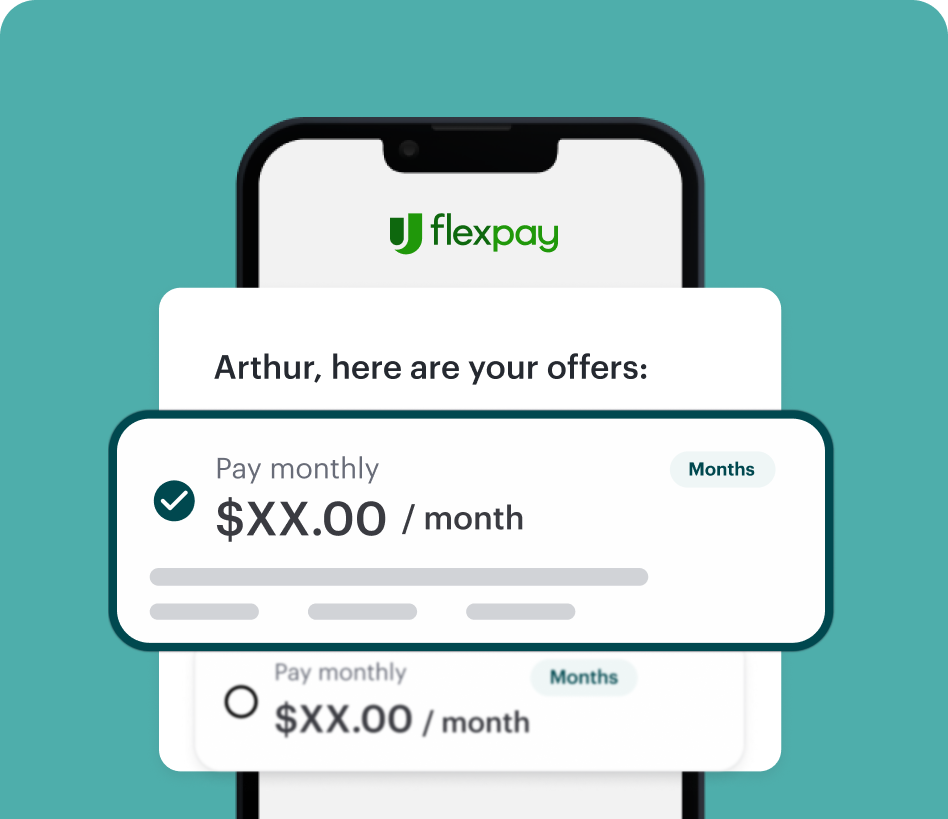
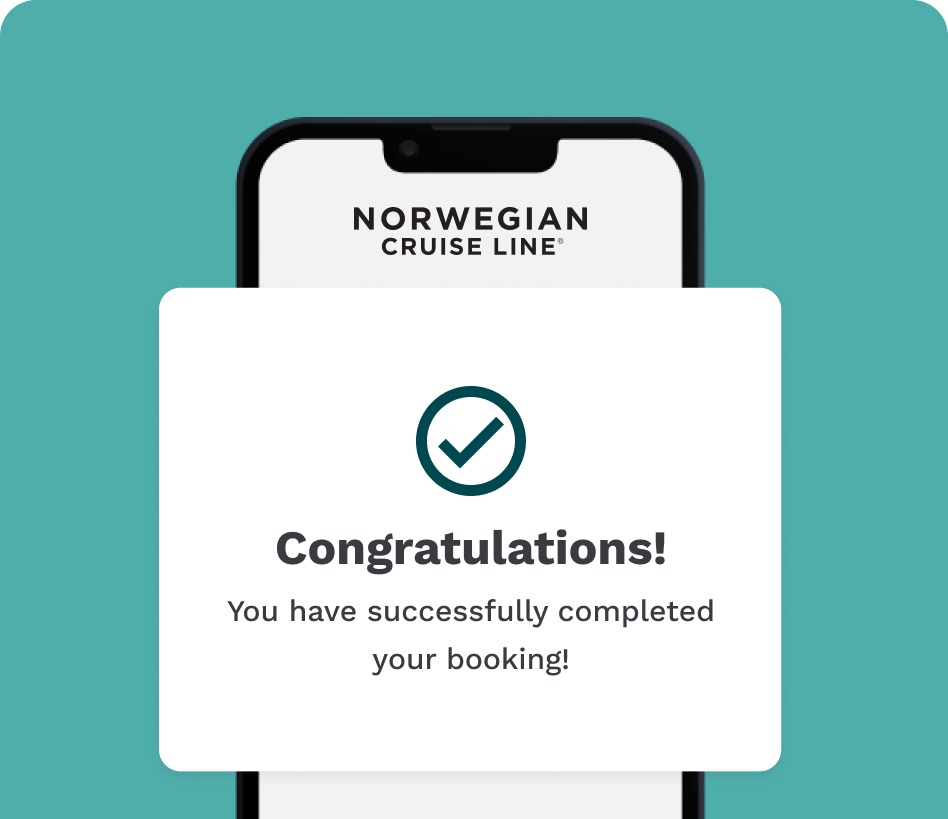
How Flex Pay Works
Frequently Asked Questions
What is Flex Pay by Upgrade?
Flex Pay is a buy now, pay later product by Upgrade that gives you the freedom to purchase what you want now and pay over time with simple monthly payments. Some plans include interest while some are interest-free.
Upgrade is a financial technology company, not a bank, that provides affordable, responsible credit through its lending partners.
How do I apply for a loan through Flex Pay?
When you are ready to check out, simply select Flex Pay as your payment method. To apply, you'll need to be at least 18 years old and provide some basic information:
Your mobile number
Date of birth
- Your Social Security Number - if you are a US resident
If you're approved, finish checking out to complete your purchase. Note, residents in Iowa, West Virginia, or D.C. are not eligible to use Flex Pay.
How are loan terms determined by Flex Pay?
Upgrade's lending partners look at a number of factors, including your credit information, purchase details, and more to determine Flex Pay loan terms. If you have questions about your payment plan, please visit your Upgrade account via the app or online or contact us at customercare@upgrade.com or call us at (844)-257-5400 Monday - Friday, 5:00 AM to 7:00 PM PT. Saturday - Sunday, 6:00 AM to 5:00 PM PT.
How do I make a payment in my loan throught Flex Pay by Upgrade?
You have the flexibility to make payments in a number of different ways.
View your Upgrade account online or in the App and review your upcoming instalments under the "Loans" tab in your account.
Set up auto-pay or, for one-time payments that you'll make each month, you can:
Pay online in your dashboard
Pay by mail: send a personal cheque, cashier's cheque, or money order
To manage your loan through Flex Pay, you'll first need an Upgrade account. If you’re new to Upgrade, you can create your account here to get started.
I purchased a trip using Flex Pay, can I travel before it’s paid off?
Yes! Once you receive booking confirmation from the merchant, you're free to travel whenever - even before you're all paid off. Flex Pay will also send you a confirmation with your payment plan details.
Any changes or cancellations made by the merchant or the traveller will be subject to the merchant's terms and conditions.
What is Flex Pay’s Privacy Policy and Terms of Use?
You can read our Privacy Policy and Terms of Use.
Based on a purchase price of $2,000.00 you could pay just $129.70 today, followed by 16 monthly payments of $129.70 at 15% APR for a total repayment amount of $2,204.89 ($2,000.00 in principal and $204.89 in interest). APRs range from 14.99% to 34.99%. On occasion, promotional financing may be available starting at 0% APR. Minimum $300 purchase required. Actual terms are based on your credit score and other factors and may vary. Not everyone is eligible. Applicants are subject to approval by Uplift Canada Services ULC, a subsidiary of Upgrade, Inc. Privacy Policy. Terms of Use.
410 Adelaide Street West, Suite 220, Toronto, Ontario M5V1S8