App mobile

Iscriviti per scoprire le migliori crociere in offerta!

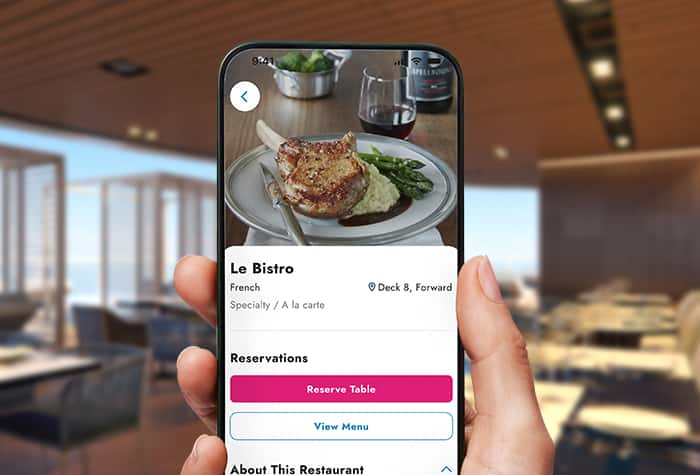
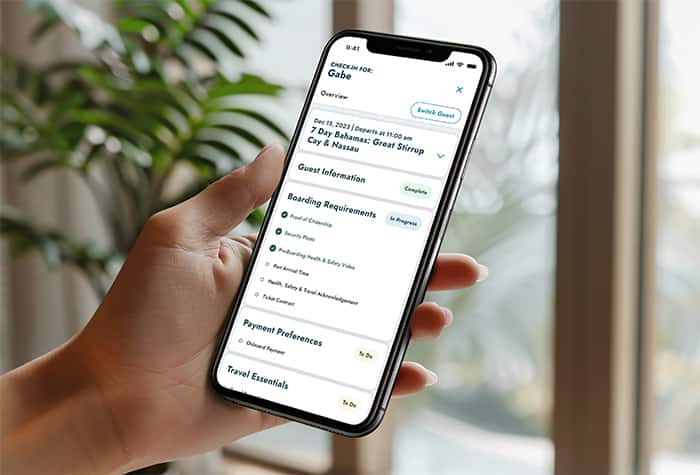
Get the most out of your vacation with Norwegian Cruise Line's all-new, easy-to-use app. Take full advantage of our wide variety of dining, entertainment, excursions and more with simple bookings and easy online check-in. View your entire cruise, including your detailed daily schedule and reservations, onboard events, purchase history and more. And the app is totally free - you don't have to use any of your Wi-Fi minutes on board! You'll never miss a moment with the NCL app.

MORE BOOKINGS. MORE VARIETY. MORE EASE. Caratteristiche

New Norwegian Cruiseline App

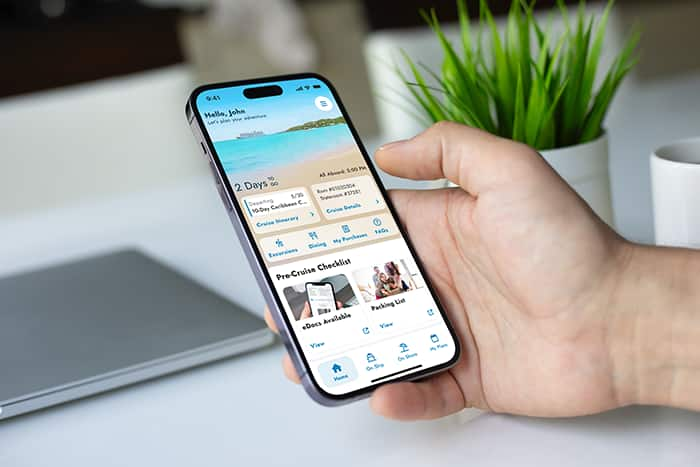
The all-new NCL app is so easy to use. Make onboard reservations, book shore excursions, view your itinerary and more. No Wi-Fi minutes required!

• Easy online check-in.

• Reservations & detailed information: Book dining, excursions, entertainment & more.

• View your up-to-date itinerary and schedule.

• See payments, credits and promotions all in one place.

• No Wi-Fi minutes required!

• Personalized home page displays reservation & stateroom number.
YOUR BEST VACATION, IN THE PALM OF YOUR HANDS See more, do more.

Prima della crociera

Before Your Cruise:

• Easy & quick online check-in & document uploads.

• Make reservations.

• View purchases, credits, & more.

Durante la tua crociera

During Your Cruise:

• View ship itinerary & your personalized schedule.

• Explore & book shore excursions.

• Make dining & entertainment reservations.

• See daily onboard newsletter.

App mobileDomande e risposte

Scegli l'argomento qui sotto

How do I download the app?

Download the Norwegian Cruise Line app for free on the Apple App Store or the Google Play Store.

Can I use the old NCL App?

No - the old app (called "Cruise Norwegian") will not be available anymore. Be sure to download the new "Norwegian Cruise Line" app.

Ho bisogno dei minuti di Wi-Fi per utilizzare l'app a bordo?

No! L'app utilizza il nostro Wi-Fi di bordo e non vengono spesi o utilizzati minuti di Wi-Fi personali quando si usa l'app a bordo.

How do I connect to the app on board or download it if I haven't already?

To download and connect to the app while on board:

1. Turn your phone to “airplane mode” or turn off cellular data to avoid roaming charges (enable Wi-Fi only).

2. Connect to the ship’s Wi-Fi: nclwifi.com.

3. Select "Download Norwegian Cruise Line App" and download the app from your app store.

4. Open the new app and sign in using your last name, date of birth and reservation or stateroom number.

Come posso vedere quali eventi si svolgono a bordo?

Una delle migliori caratteristiche della nuova app è che puoi consultare direttamente la versione digitale della newsletter quotidiana di bordo. Include notizie del giorno, eventi e altro ancora e viene aggiornata ogni mattina.

Chi devo contattare se ho domande o difficoltà con l'app mobile?

Se riscontri problemi con la nostra app mobile mentre sei a bordo, contatta il responsabile dell'Internet Café per ricevere assistenza.